
Why is Google Meet Recording Important?
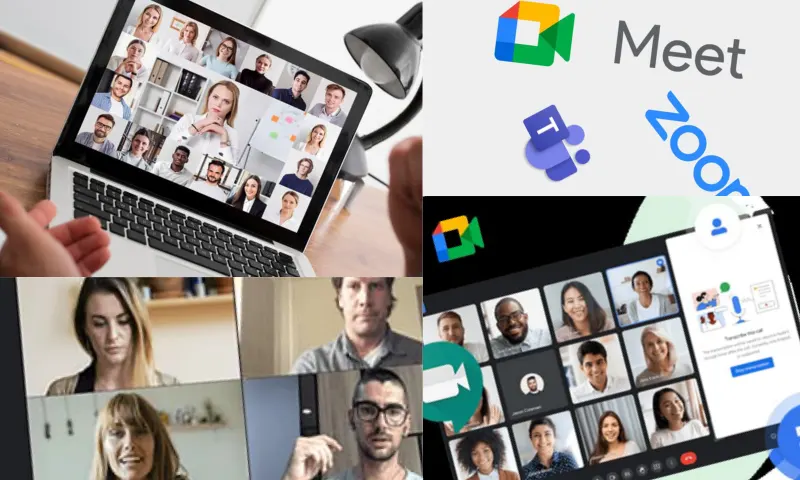
How to Access Recorded Videos After Google Meet Recording?
The Google Meet recording feature is of great importance in many ways. First and foremost, the recording process makes discussions, presentations, and decisions made in the meeting permanent. This provides a critical advantage, especially in information-intensive meetings, allowing participants to not forget important points and to refer back to them when necessary. Recordings also serve as an informative resource for those who could not attend the meeting. This way, all team members can access the same information, strengthening collaboration. For more information on the Google Meet recording process, you can visit the website https://meetingtor.com/tr/.
What are the Points to Consider During Google Meet Recording?
During the Google Meet recording process, these recordings are automatically saved to your Google Drive account. When the meeting ends, the link to the recorded video is sent to the meeting organizer via email. This email contains information about the location of the recording. Users can go to Google Drive and find the "Meet Recordings" folder. Here, the recorded videos are listed, and they can watch any recording they wish. Operations such as editing and sharing can also be performed on these recordings. Video recordings can be kept for later access if needed, which facilitates communication between teams. There are a few important points to consider during the Google Meet recording process. All participants must be informed that the meeting is being recorded. This is important both ethically and legally. Planning the Google Meet recording process in advance will be beneficial to improve the quality of the recording. It is also necessary to ensure that the microphone and camera are working correctly during the meeting. Minimizing technical disruptions is important for a healthy meeting flow. Regularly checking and backing up recordings prevents potential data loss.